Sample projectEmail Management
Inbox Management System & Email Reply Templates
How I organise a busy inbox and keep replies fast and consistent.
The problem
A busy professional's inbox mixes urgent client emails with receipts, newsletters and automatic notifications. Important messages get buried, replies are slow, and the same answers get typed out again and again.
What I set up
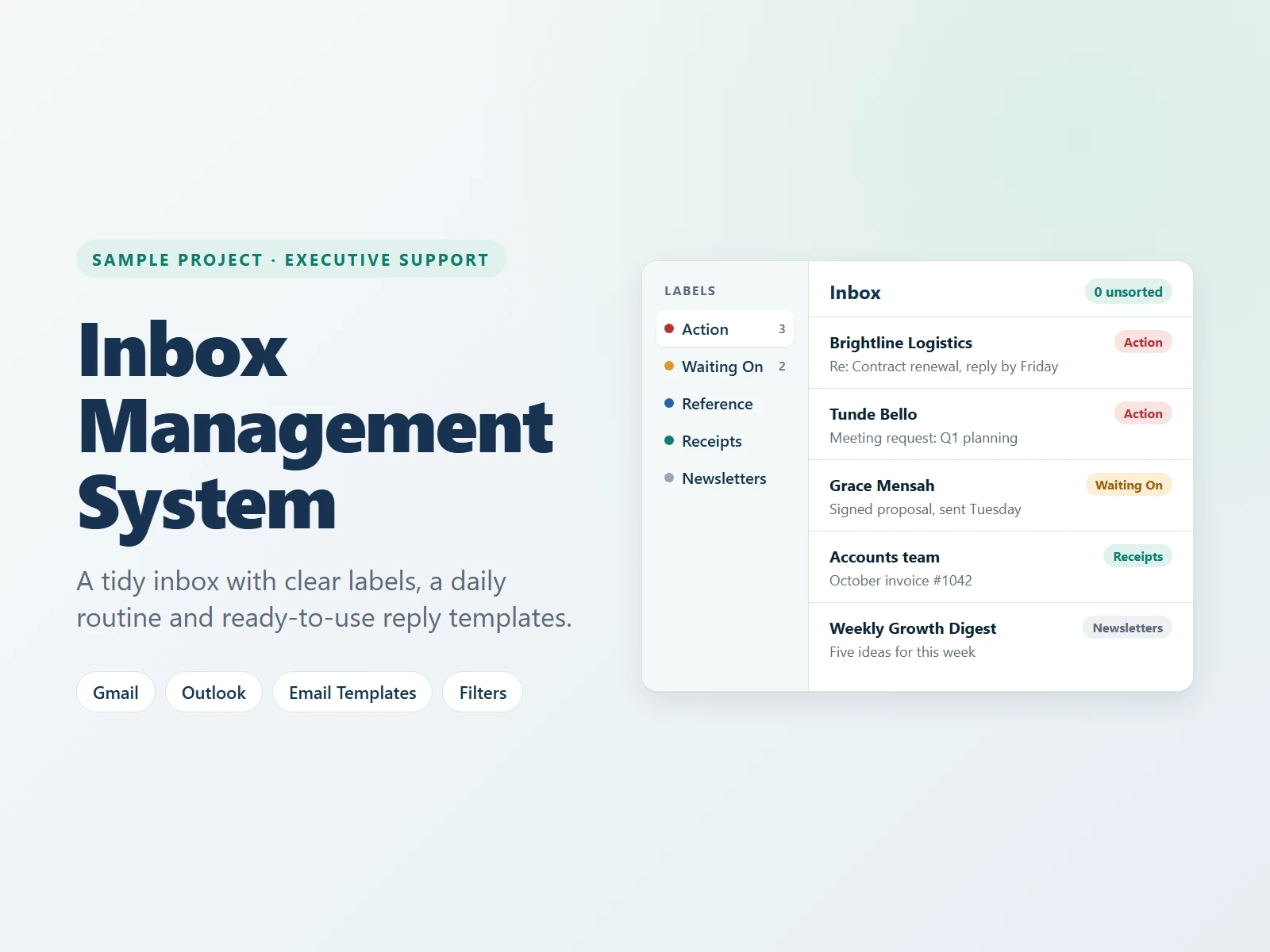
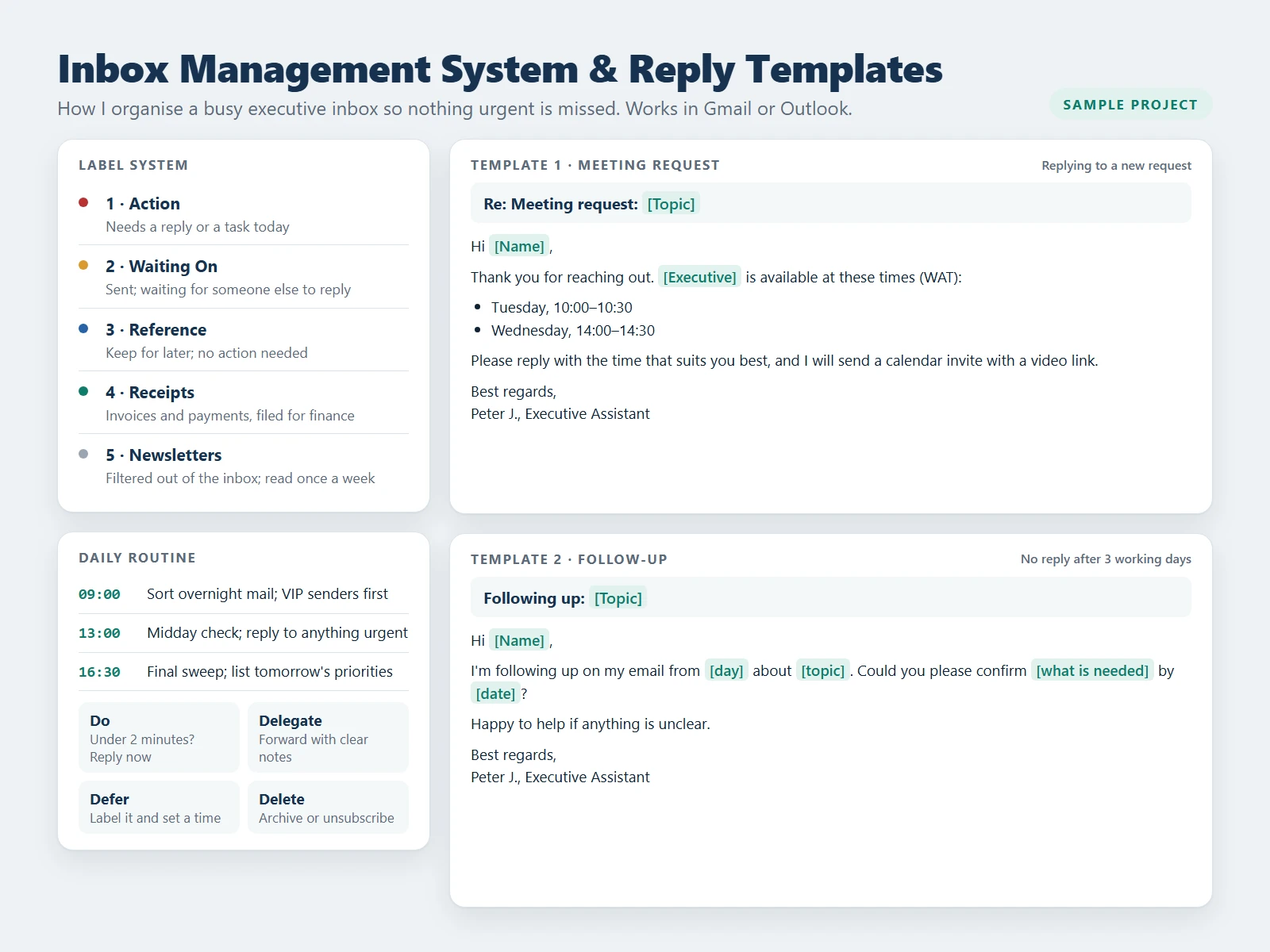
- A simple label system: Action, Waiting On, Reference, Receipts and Newsletters, so every email has a home.
- Filters that sort routine mail automatically, so receipts and newsletters never clutter the main inbox.
- A daily routine at 9:00, 13:00 and 16:30, where every email is done, delegated, deferred or deleted.
- VIP senders first, so key clients and contacts are always handled before anything else.
- Reply templates for meeting requests and follow-ups, so answers are fast and consistent.
The result
An inbox that is easy to scan, with nothing urgent left unanswered. The same system works in Gmail or Outlook.
Skills used
This is a sample project I created to show how I work. The names and data in it are made up for demonstration.
Want this done for your business?
I can set this up for you and keep it running. Book a free call and tell me what you need.
Free 30-minute call · No commitment