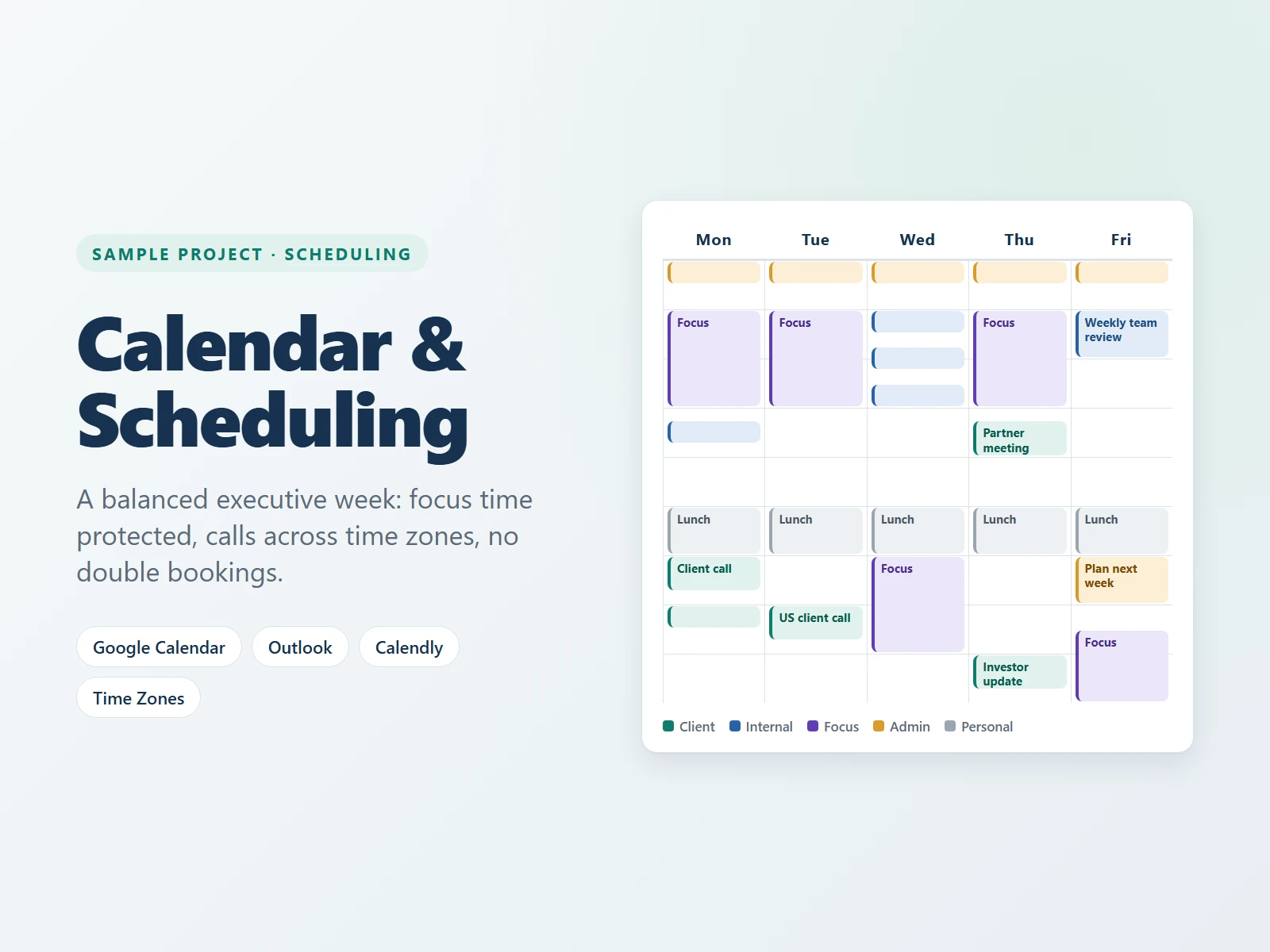
Sample projectCalendar Management
Executive Calendar Management & Appointment Scheduling
How I plan and protect an executive's week, even across time zones.
The problem
When an executive's calendar is managed on the fly, meetings pile up back to back, there is no time left for focused work, and calls across time zones get booked at the wrong hour.
What I did
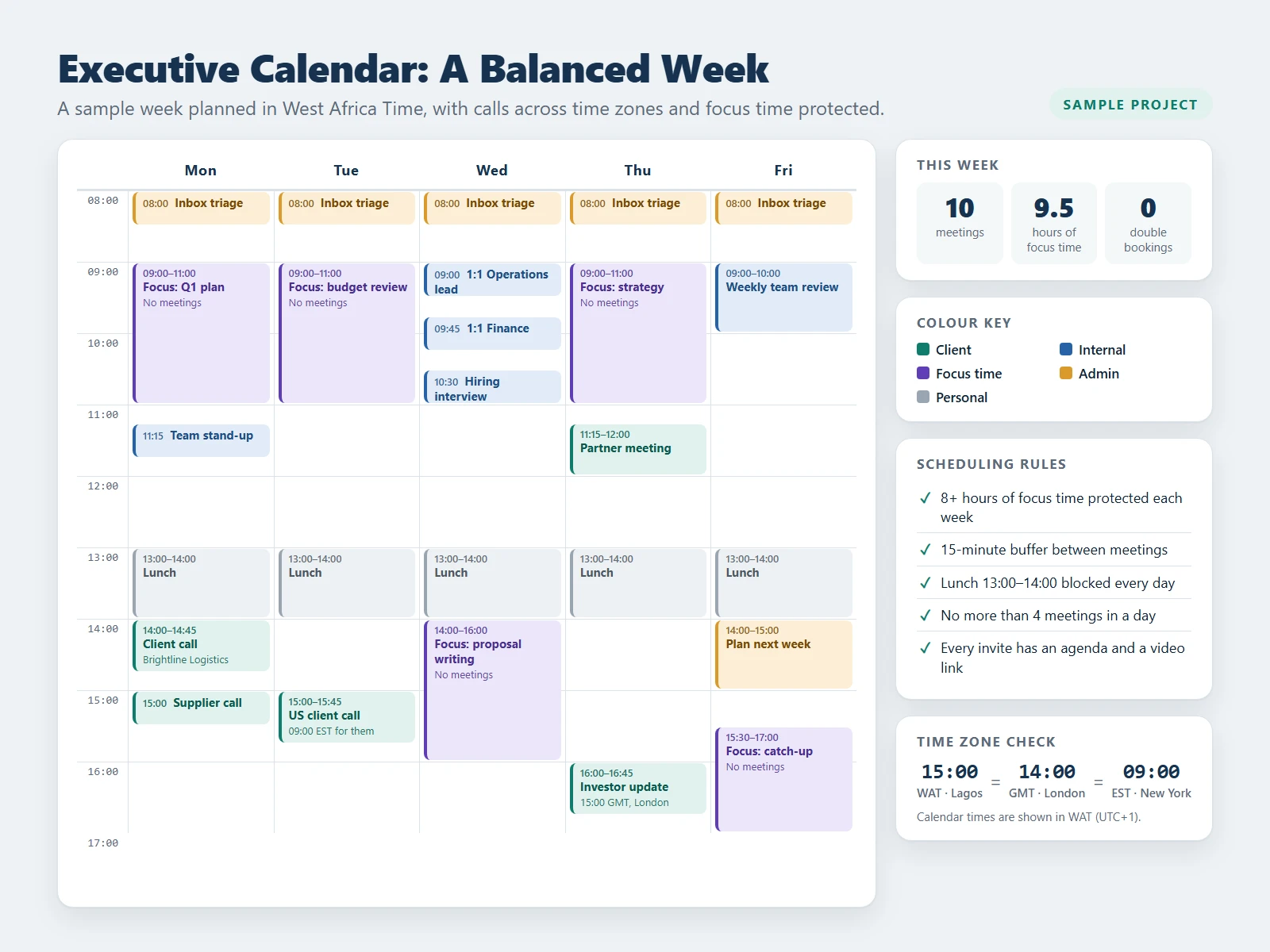
- Protected 9.5 hours of focus time in the week, with no meetings allowed.
- Added 15-minute buffers between meetings, so the day never runs late.
- Booked calls across WAT, GMT and EST with no clashes.
- Colour-coded the calendar: client, internal, focus, admin and personal.
- Set clear rules: lunch blocked daily, no more than 4 meetings a day, and an agenda and video link on every invite.
The result
A clear, balanced week with no double bookings and real time for focused work. Works in Google Calendar, Outlook or Calendly.
Skills used
This is a sample project I created to show how I work. The names and data in it are made up for demonstration.
Want this done for your business?
I can set this up for you and keep it running. Book a free call and tell me what you need.
Free 30-minute call · No commitment